
Stock management for a Shopify webshop: the same stock in your shop and online
Do you have a shop and a webshop in Shopify? With the link, stock in Inventaria and in Shopify stays the same, in both directions. Coming soon to the Shopify App Store.
Android: use the app in the browser and add it to your home screen.
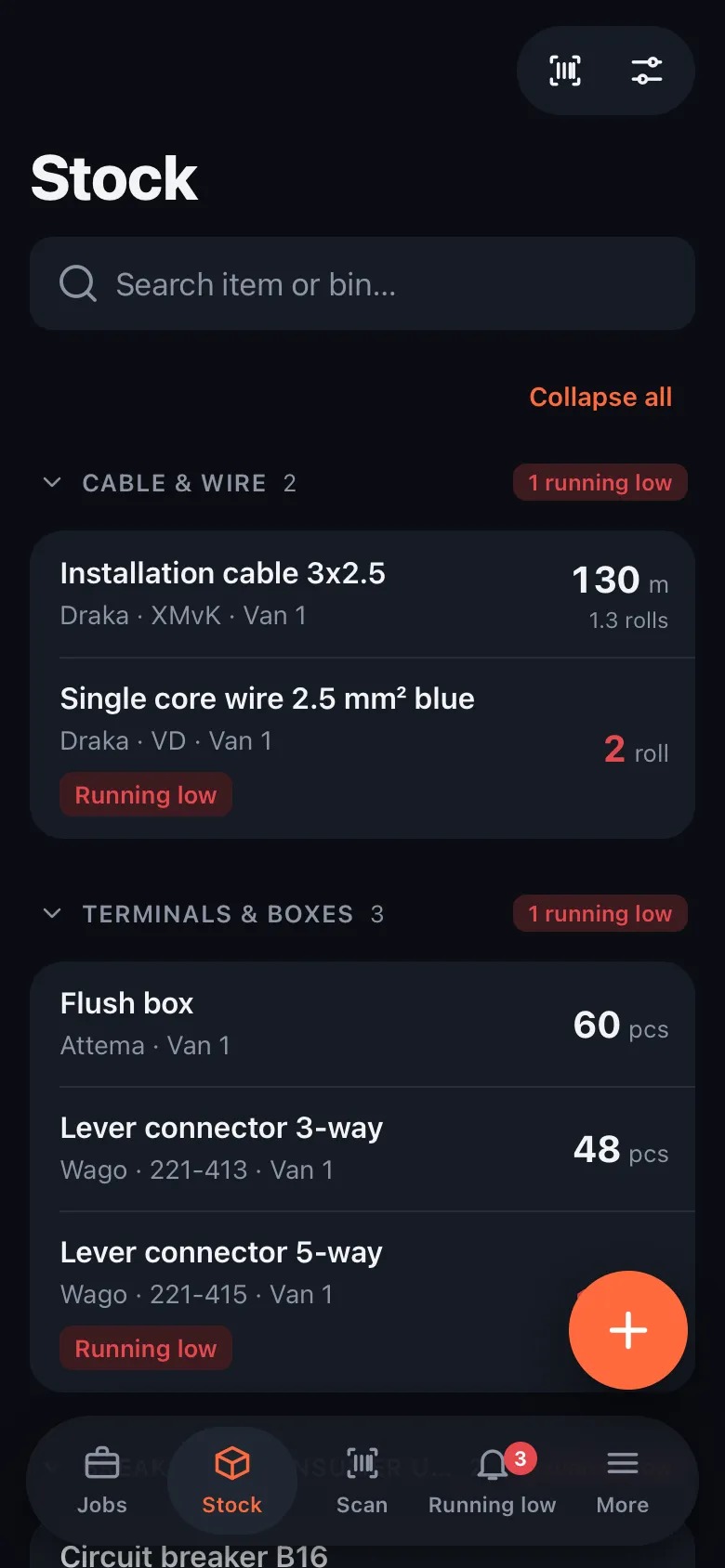
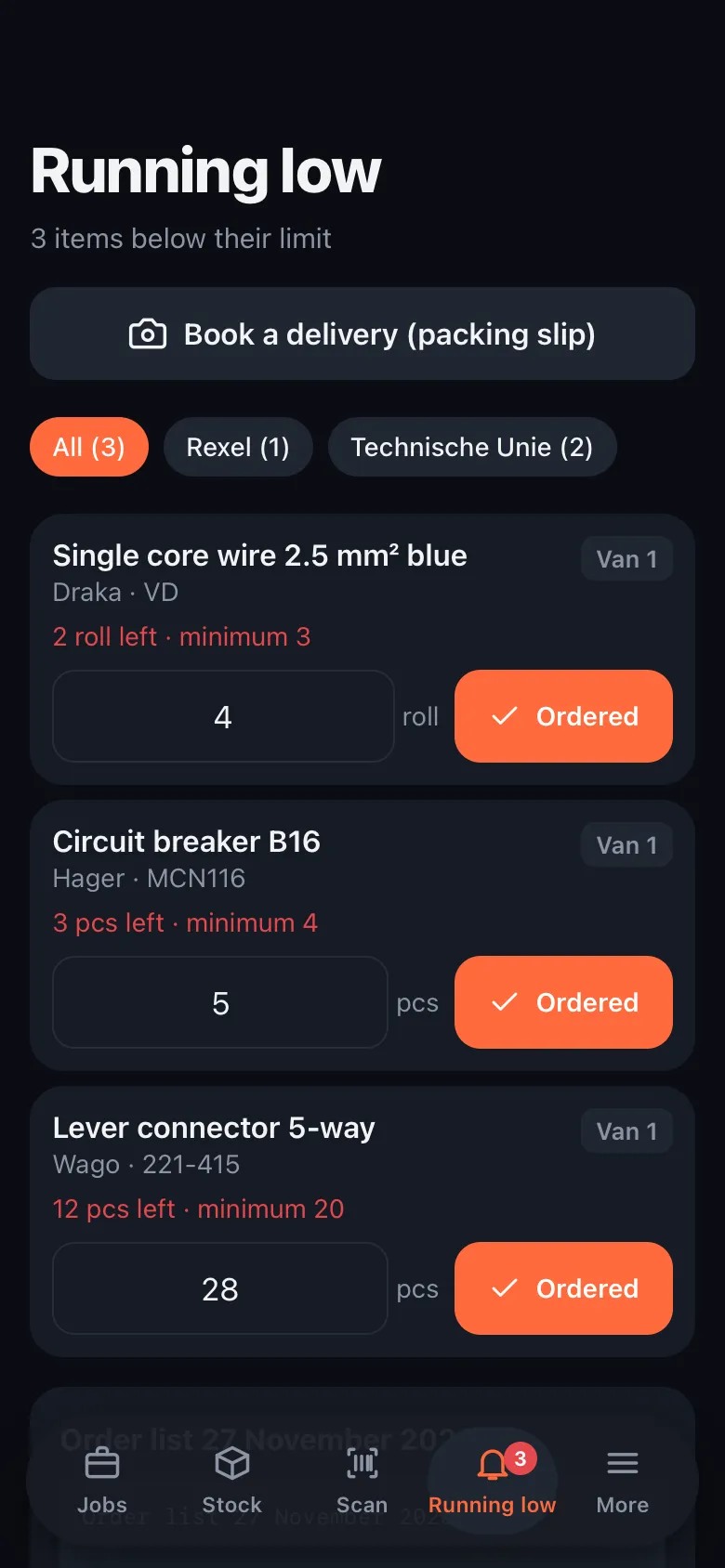
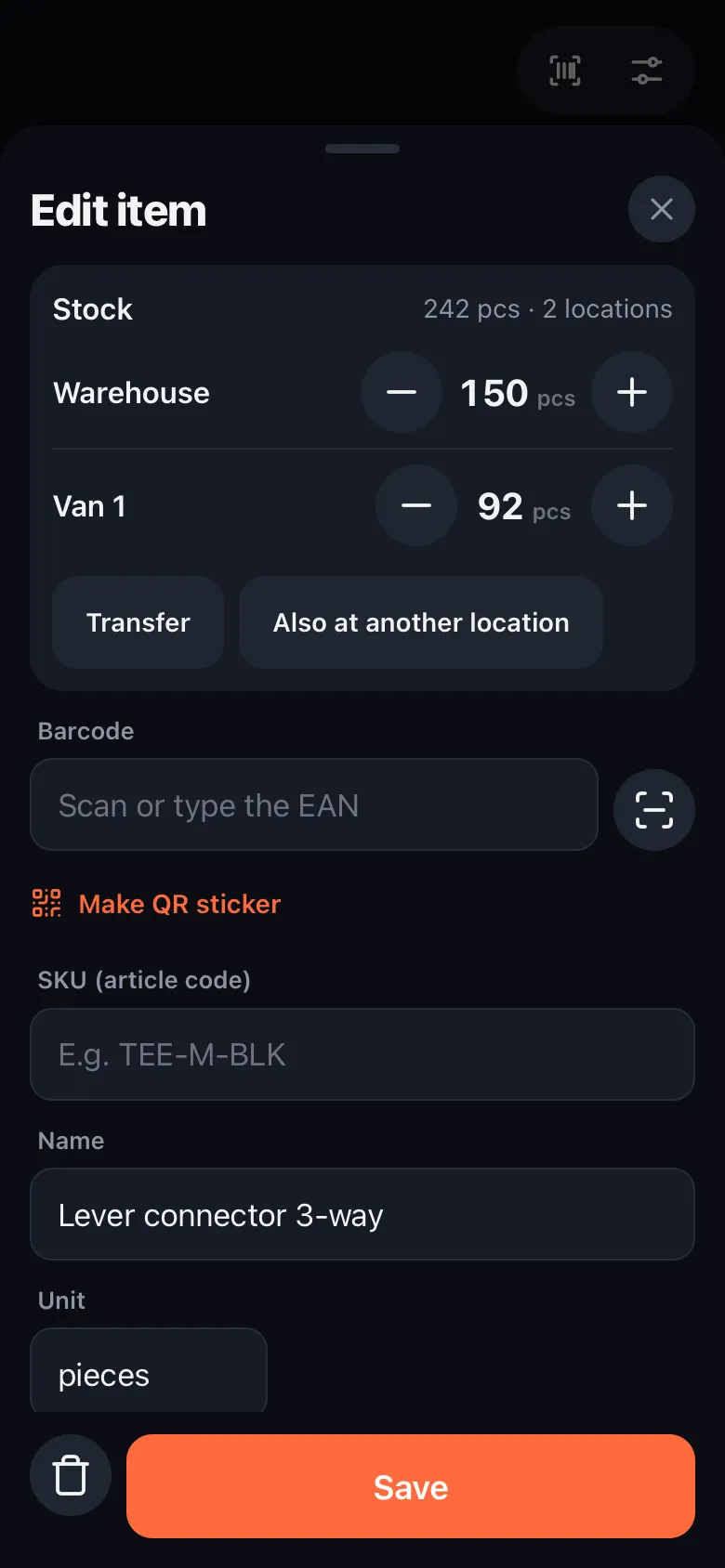
Stock management for a Shopify webshop gets harder as soon as you also have a physical shop. Sell the last two of an item over the counter, and they still show as in stock online. Sell something online that a customer has just carried out of the shop, and you have to ring someone to cancel. Inventaria links your Shopify webshop to your stock, so the shop and the webshop show the same quantity.
What the link does
- Your products and locations come over from Shopify to Inventaria. Each Shopify location gets a place in Inventaria, for example the shop or the stockroom.
- Stock stays equal in both directions. Sell online and you see it in Inventaria. Book something out in Inventaria and Shopify gets the new quantity.
- What has been ordered online but not shipped yet shows as “Ordered online”. So you know those items are already spoken for, even while they are still on the shelf.
- You link one Shopify store per company. Customer and order details do not come over to Inventaria.
Inventaria only works with Shopify. A webshop on another platform cannot be linked.
The shop and the webshop from one stock
Inventaria is not a till. What you sell in the shop, you book out in the app: scan the product’s barcode, the item opens straight away with the quantity per location, and adjust the quantity. No camera at hand: type the code.
If part of your stock is in the stockroom behind the shop, you see how many there are per location and transfer them when you restock the shelves. Every change is in the history, with who made it and where. When you count the shop or the stockroom, you do it per location with Count: scan what is there and book the differences in one go.
Buying in and reordering
Set a minimum per item. Whatever drops below it goes on the order list, per supplier. Share it as text or PDF and tick off what you have ordered; when a lead time is set, you see the expected delivery date. The app does not place orders with your supplier.
When a delivery arrives, book it in to Inventaria, also with a photo or PDF of the packing slip (with an account and after you agree to the AI). Each item has a purchase and a sale price, per unit and excluding VAT, and the app works out the stock value. Do you also have a storeroom with racks and bins? See the warehouse app for small businesses.
How to link now
The Shopify link is coming to the Shopify App Store soon. If you want to link now, e-mail us via the contact page. You need an Inventaria account for it. The link is in the browser version of the app now; the iPhone app gets it in a next version.
Questions
Can I link a second Shopify store?
No. You link one Shopify store per company.
Does Inventaria see my customers and orders?
No. Customer and order details do not come over. You only see how many have been ordered online and not shipped yet, as “Ordered online”.
Can I use Inventaria as a till?
No. In the shop you take payment the way you do now. You book the sale out in Inventaria, and Shopify then gets the new quantity too.
Try Inventaria
Free to use, no account needed to start. On iPhone from the App Store, on Android and computers in the browser.