
Stock management app for plumbers: the right fittings in your van
See per van how many compression fittings, bends and metres of pipe you have left, set aside the materials for a job and reorder what is running low in time.
Android: use the app in the browser and add it to your home screen.
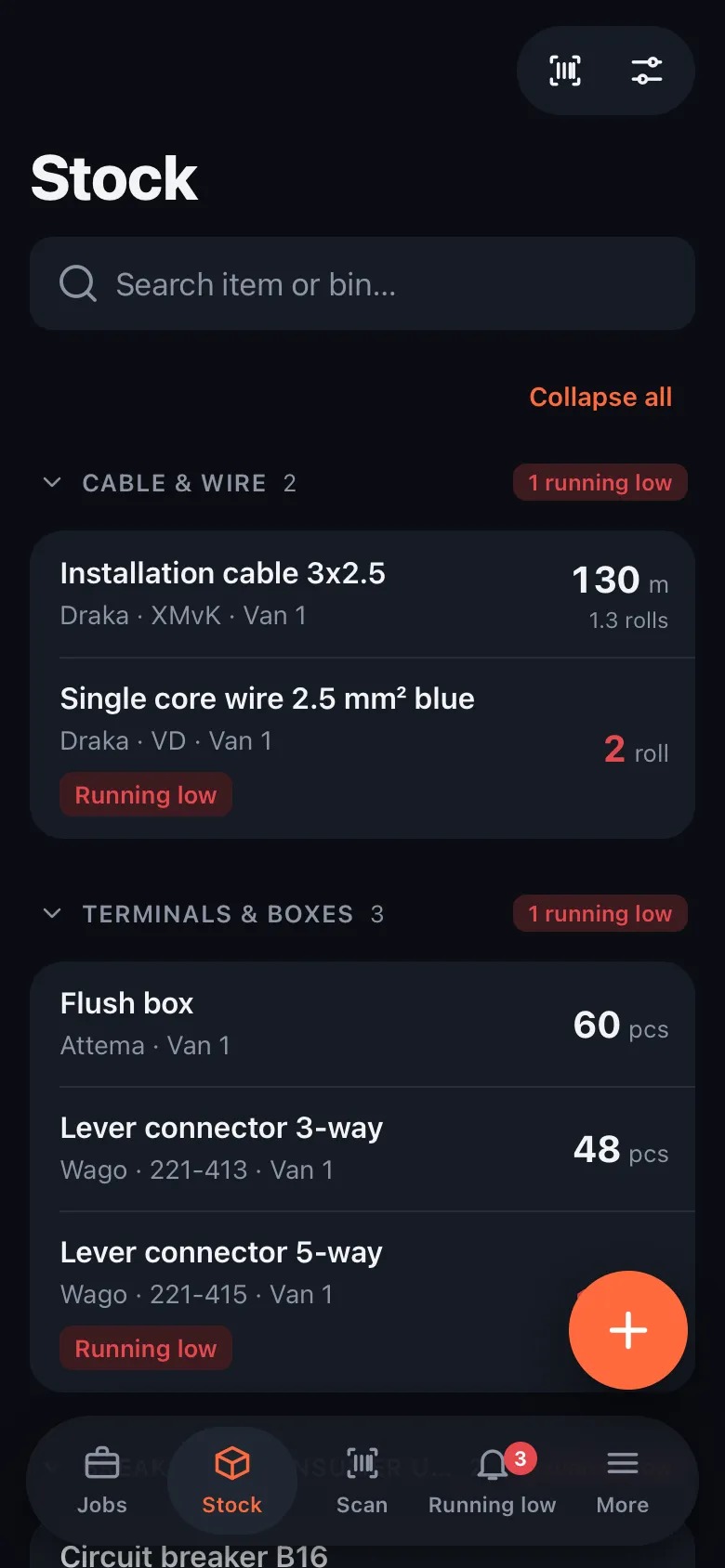
A stock management app for plumbers has to deal with small parts in many sizes. A 15 mm compression coupling, a 22 mm one, an elbow, a tee, a reducer to ½ inch: a van soon holds a few hundred of them. When you are called out to a leak, you want to be sure you have the right part with you, not find out at the customer’s that the last one has gone. Inventaria keeps track of what is in each van and in the warehouse.
Fittings in every size
Scan the barcode on the package and the item opens straight away, with the quantity per location. The app looks up an unknown code for you, with name, brand, type and product photo (with an account and after you agree to the AI). No camera at hand: type the code.
Many fittings come loose or from a large bag, with no barcode on the part itself. For those you make your own QR stickers, as a PDF for an A4 sheet or a label printer. Put an item’s sticker on the compartment where it is kept, and you scan it as quickly as a package from the wholesaler. The bins in your van get their own sticker too.
Pipe and multilayer pipe in metres
Copper pipe, multilayer pipe on a roll and plastic waste pipe are used by the metre. In Inventaria you choose the unit per item, such as pieces, metres, roll or set. Multilayer pipe is counted in metres, with the number of rolls next to it. Take 8 metres off a 50-metre roll, book out 8 metres, and you see what is left. When the stock drops below your minimum, the order list rounds up to whole packs, so you never put half a roll on the list.
Restocking the van and reordering
Plumbers often go from one call-out to the next. Take traps, valves and flexible hoses from the warehouse in the morning and transfer them to your van. What you use at a customer’s, you book out. Once a week or once a month, check the van with Count: scan or search what is there and book the differences in one go. Everything works without signal, also in a crawl space. With an account, it syncs as soon as there is a connection again.
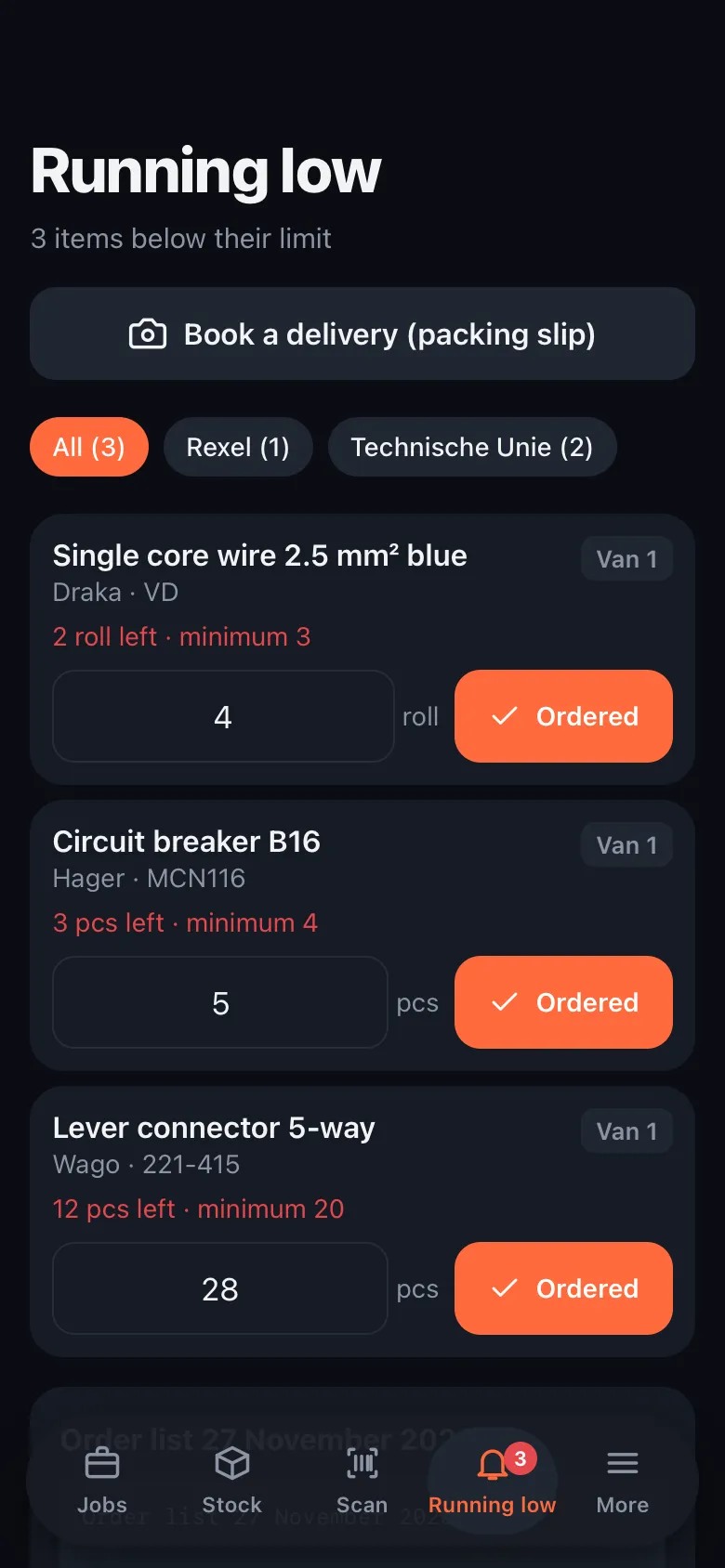
Set a minimum per item. Whatever drops below it goes on the order list, per supplier: the bathroom supplier separate from the plumbing and heating merchant. Share the list as text or PDF and tick off what you have ordered. When a lead time is set, the app shows the expected delivery date. Working on heating and electrics as well? See the stock management app for installers.
Materials per job, with purchase and sale price
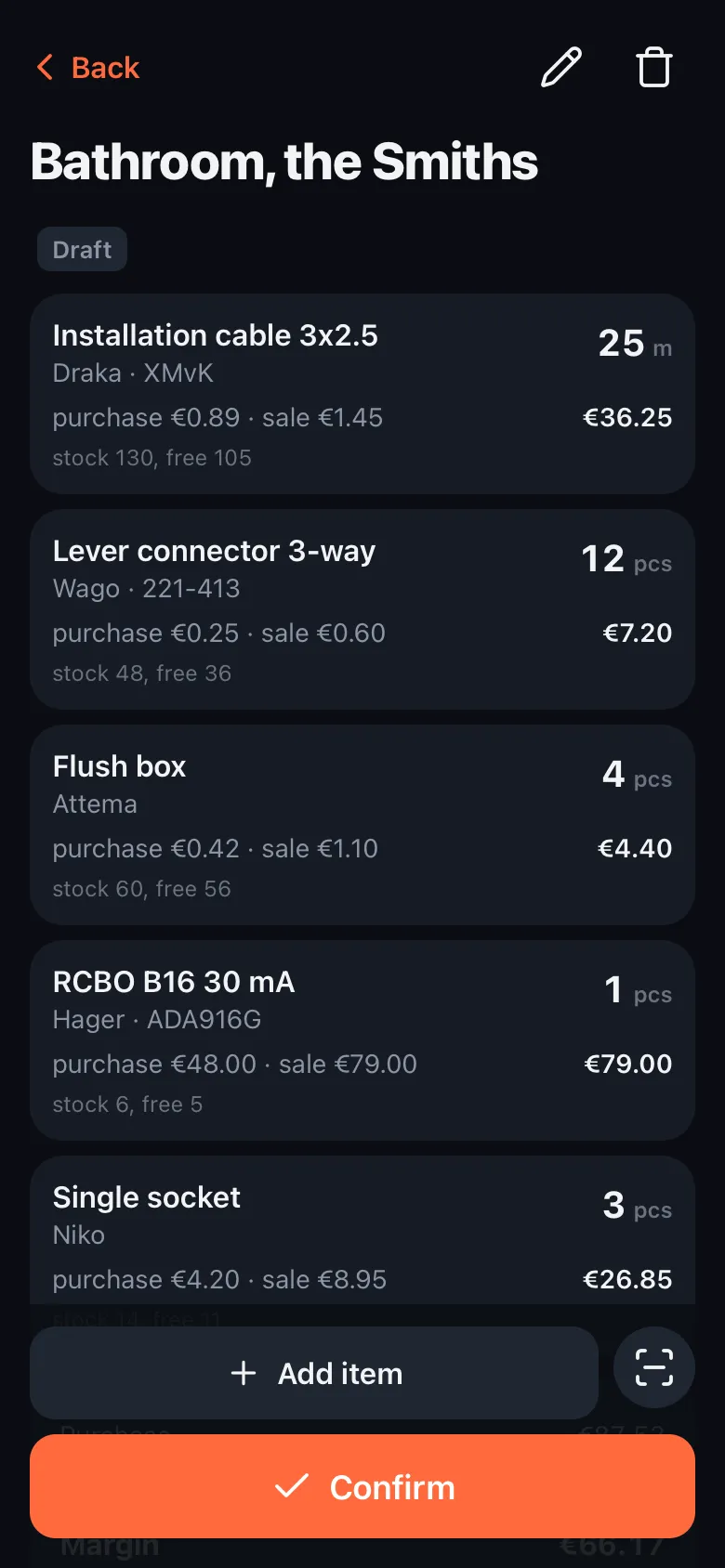
For a bathroom, a new waste run or moving a gas pipe, set aside the materials as a job. Each line has a purchase and a sale price. The job shows total purchase, total sale and the difference, so you see what the materials earn you. A draft reserves the materials: the stock shows what is reserved and what is free. Confirm the job and the app books it out. If you work with colleagues, people with the Mechanic role do not see purchase prices.
Questions
Can I start without an account?
Yes. You start straight away on your phone, without an account. With an account you have the same stock on your phone, your laptop and with colleagues.
I have a list in Excel. Can I bring it in?
Yes. Import a CSV with fixed columns, or let the smart import (with an account) work out which column is which. No list yet? Start with a free stock list in Excel (Dutch).
Does the app order from the wholesaler for me?
No. You share the order list with your wholesaler and order the way you do now. When the delivery arrives, you book it in. With an account, you can do that with a photo or PDF of the packing slip: the app reads the lines.
Try Inventaria
Free to use, no account needed to start. On iPhone from the App Store, on Android and computers in the browser.